
Events
An event represents one photo shoot session. Create one event per day, per location, or per photographer.
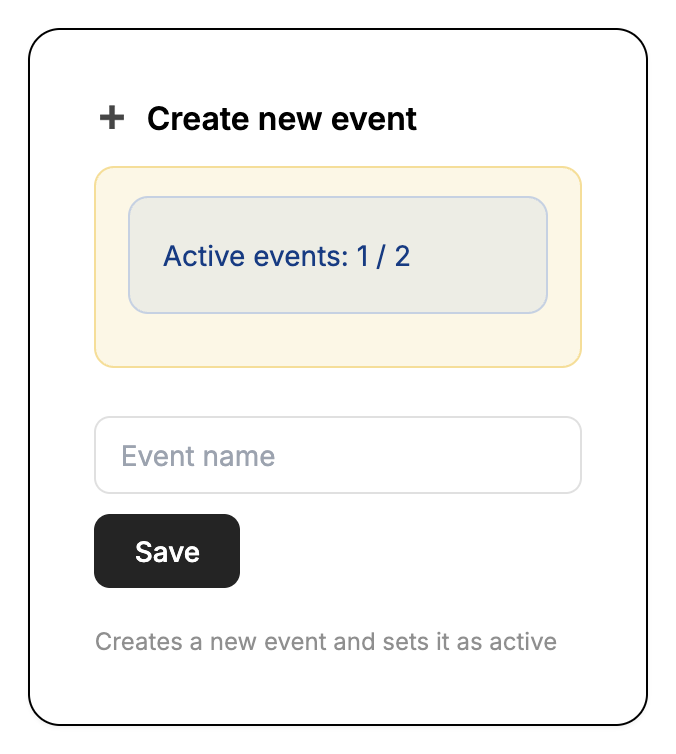
Create a new event
On the Home tab, type a name into the 'Create new event' field and click Save. Give it a descriptive name so you can find it later.
Configure event settings
Open the event's settings to choose the language guests will see (English, Finnish, Swedish, or German) and add any custom registration fields if needed.
The active event
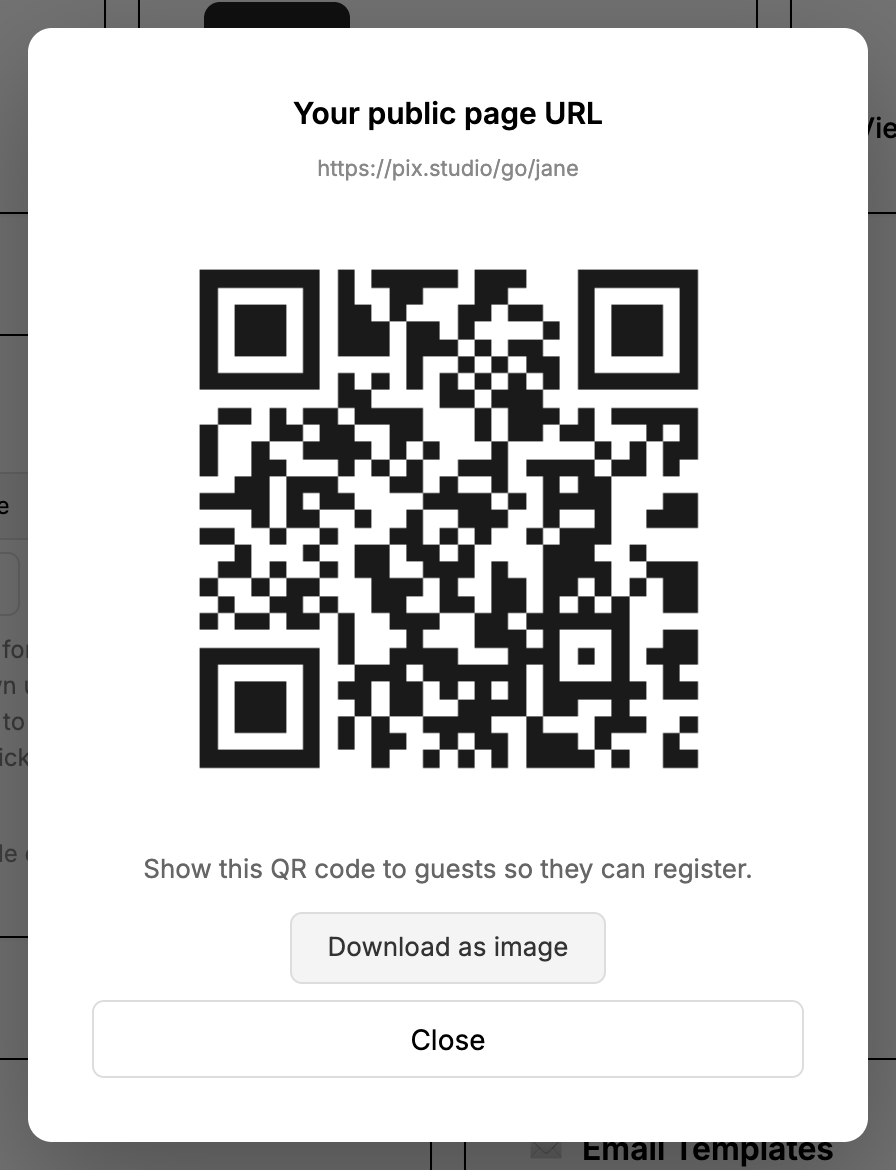
A new event automatically becomes your active event — your public sign-up page and its QR code always point to the active event. To switch, click 'Make active' on another event in the 'All photo shoots' list.
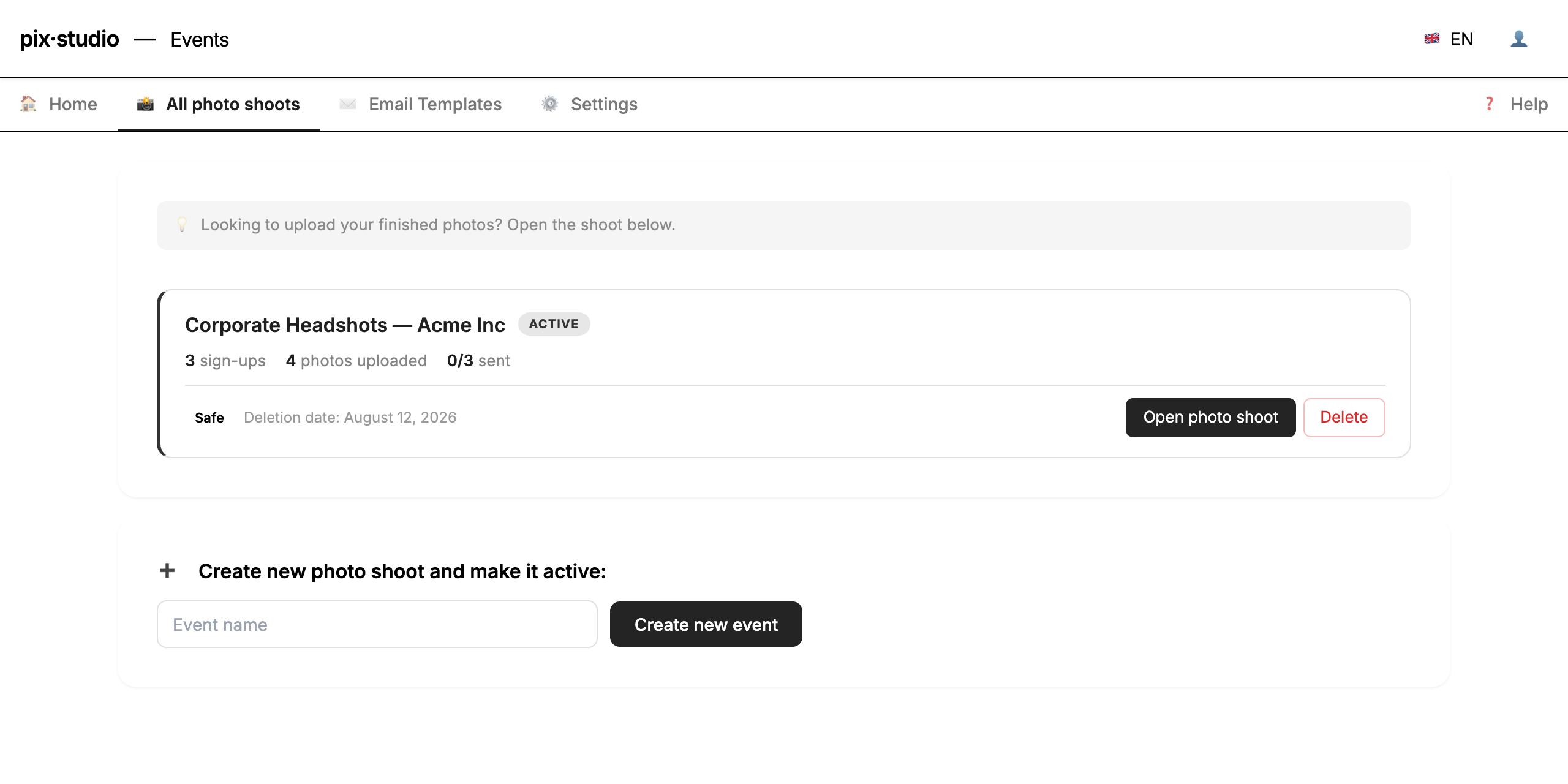
Manage your events
View all your events from the 'All photo shoots' tab. You can open an event, make it active, or delete it there. A deleted photo shoot moves to 'Deleted photo shoots' at the bottom of the page and can be restored for 30 days — after that it is deleted permanently with all its photos and registrations.
Registration field options
In event settings you can enable a phone number field and a marketing consent checkbox for GDPR compliance. You can also add fully custom fields — supported types are text, number, email, phone, date, textarea, checkbox, and dropdown.
Multiple photographers at the same shoot? Create a separate event for each photographer. Photos are sorted by capture time, so uploading several photographers' photos to one event mixes them up and they end up in the wrong galleries.
Photos are retained for 30 days (Free) or 1 year (Pro and pay-per-event credits) from when the event was created. On Business, retention is configurable per event — up to 2 years; on Pro you can shorten it per event. Retention applies while your plan is active. If your plan ends, your existing events are kept for at least 30 days after it ends, and you'll get an email at least 7 days before any photos are hidden.